How to Get Maintenance Records for My Car
Start with the dealer, any shop listed on old stickers or invoices, and your state DMV. With proof of ownership, you can often recover digital service records or rebuild the history from paper trails. Missing records can hide skipped maintenance, lower resale value, and leave you with repair surprises you could have seen coming. This guide shows where to ask, what documents to bring, how to piece together gaps, and how to store everything going forward.
Where to start first
Begin with the VIN and the places most likely to already hold the car’s history: the dealer or manufacturer account, the seller’s paperwork, and your email. Many records sit in separate places, so the first pass should focus on sources that can verify the vehicle quickly and show what is already on file.
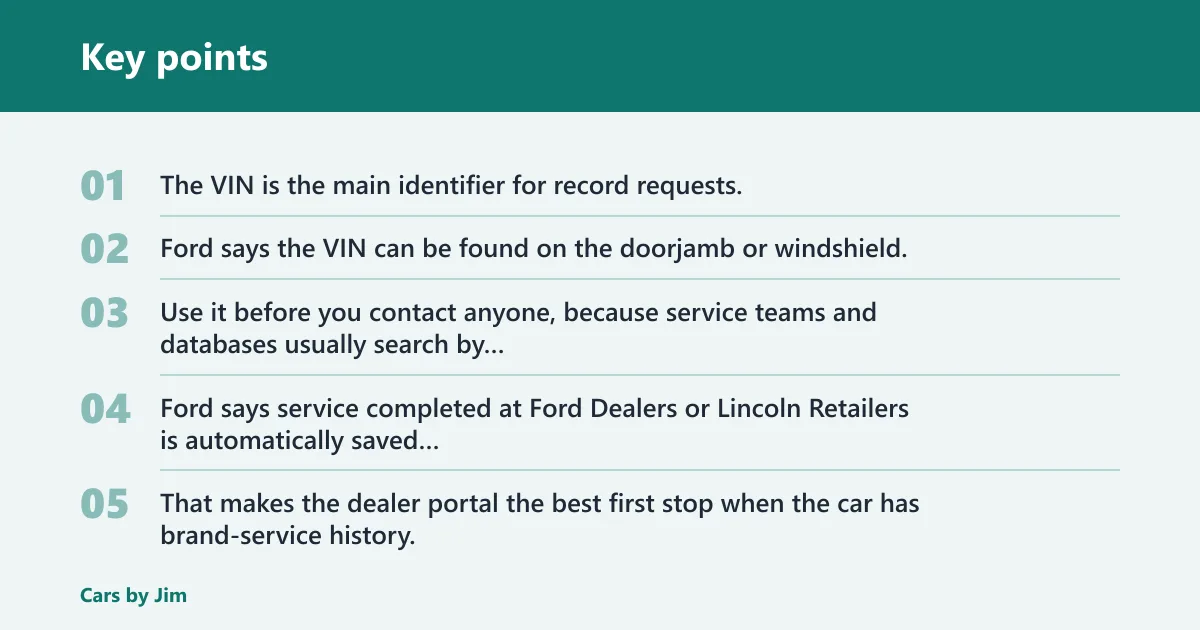
The VIN is the main identifier for record requests. Ford says the VIN can be found on the doorjamb or windshield, and it can also appear in the Ford app and Ford account. Use it before you contact anyone, because service teams and databases usually search by VIN, not by plate number alone.
Check the dealer or manufacturer account
The same source says service completed at Ford Dealers or Lincoln Retailers is automatically saved in the owner’s Ford account and app. That makes the dealer portal the best first stop when the car has brand-service history. Ford also says service should follow the owner’s manual and maintenance schedule, so compare what appears in the account with the schedule for your exact vehicle.
Do not assume the dealer record is complete for every repair. Dealer history can differ from third-party repair shop records, and outside work may never appear in the brand account unless someone adds it manually.
Find the VIN and ownership proof
Most requests go faster when you can prove you own the vehicle. Have the VIN, registration, title, photo ID, and, if needed, proof of purchase ready. Some dealers and databases will not release records without ownership verification, especially if the request comes from a name that does not match the account.
| Source | What to ask for | Proof that may be requested | What you usually get |
|---|---|---|---|
| Brand dealer portal | Service history tied to the VIN | VIN, registration, ID, title | Digital service entries already saved in the brand account |
| Independent shop | Invoices, repair orders, inspection sheets | VIN, proof of ownership, job date if known | Paper copies, PDFs, or reprinted invoices |
| Previous owner | Receipts, email records, service folders | Purchase details, VIN, direct contact permission | Scanned files or paper documents |
| DMV or registration file | Ownership and registration history | ID, title, registration, state forms | Registration records that can support a timeline |
| Email and app accounts | Digital invoices, reminders, attachments | Account access, VIN, email search terms | Receipts, reminders, and service notes |
Look in your email, app, and glovebox files
Email search terms should include the VIN, the shop name, “oil change,” “inspection,” “repair order,” and the vehicle make and model. Check glovebox folders, the owner’s manual pocket, and any envelope marked with mileage or dates. A third-party maintenance app may also hold old entries if the prior owner used one and transferred access.
Say your car has a dealer oil change from March and a tire rotation from a local shop in July. The dealer portal may show only the March visit, while the glovebox may contain the July invoice with the mileage and parts listed. Those two records together tell a fuller story than either one alone.
Can you get records from a dealership?
Yes, a dealer can often pull brand service history tied to the VIN, but the result depends on where the work was done and whether you can prove ownership. If the service was completed at that brand’s dealer network, the account may already hold it. If the work was done elsewhere, the dealer may have no record.
What a dealer can usually pull
Brand dealers can often see work completed inside their own network, including service tied to the owner account. The same source says service completed at Ford Dealers or Lincoln Retailers is automatically saved in the owner’s Ford account and app. That does not mean every repair across every shop will appear there.
Ask for a printout or PDF of the service history linked to the VIN. If the car changed hands, the dealer may still only release what the system allows for the current owner and may limit details until ownership is verified.
Why ownership proof may be required
Dealers handle customer data, so they may ask for registration, title, ID, or proof of purchase before releasing records. That is normal. Bring a clear photo of the VIN plate or a registration card if the staff needs to confirm the exact vehicle before they search the system.
When dealer history stops at that brand
Dealer records usually stop at the brand or retailer network that saved them. A Ford dealer may see Ford or Lincoln records, but it will not automatically pull every independent repair shop invoice. If the prior owner used only local mechanics, the dealer search may return little or nothing beyond the brand visits.
How to find maintenance history on my car by VIN
You can find maintenance history by VIN through dealer systems, some vehicle accounts, and certain history databases, but VIN search results are only as complete as the records that were entered. Use the VIN as the master key, then compare the returned history with paper receipts, email, and the maintenance schedule in the owner’s manual.
Where the VIN is found
The same source says the VIN can be found on the doorjamb or windshield, and it can also appear in the Ford app and Ford account. You may also see it on registration, insurance cards, title documents, and repair invoices. Use the same 17-character VIN everywhere you request records.
What VIN-based requests can return
A VIN request can return dealer service entries, account-linked maintenance history, or records attached to an app profile. Some systems can also surface inspection notes, mileage at the time of service, and dates of work. That helps you rebuild a timeline even when the paperwork is incomplete.
Limits of VIN searches and vehicle history reports
VIN searches are useful, but they are not a full repair archive. They may miss independent shops, older paper-only invoices, or work that was never entered into a database. A vehicle history report can help confirm title and mileage events, but it should not be treated as proof of every oil change or brake job.
Picture a used SUV with 82,000 miles and no folder of records. A VIN lookup might show two dealer visits and a title transfer, while the previous owner’s email reveals three independent oil changes. Those extra invoices matter because they fill mileage gaps the dealer system cannot see.
Independent shop records and receipts
Independent shop records often need to be requested directly, and they may exist only as paper, invoice PDFs, or email. These records matter because they may be the only proof of maintenance outside the dealer network. Ask for the invoice, work order, and any inspection sheet tied to the VIN.
Request invoices from non-dealer shops
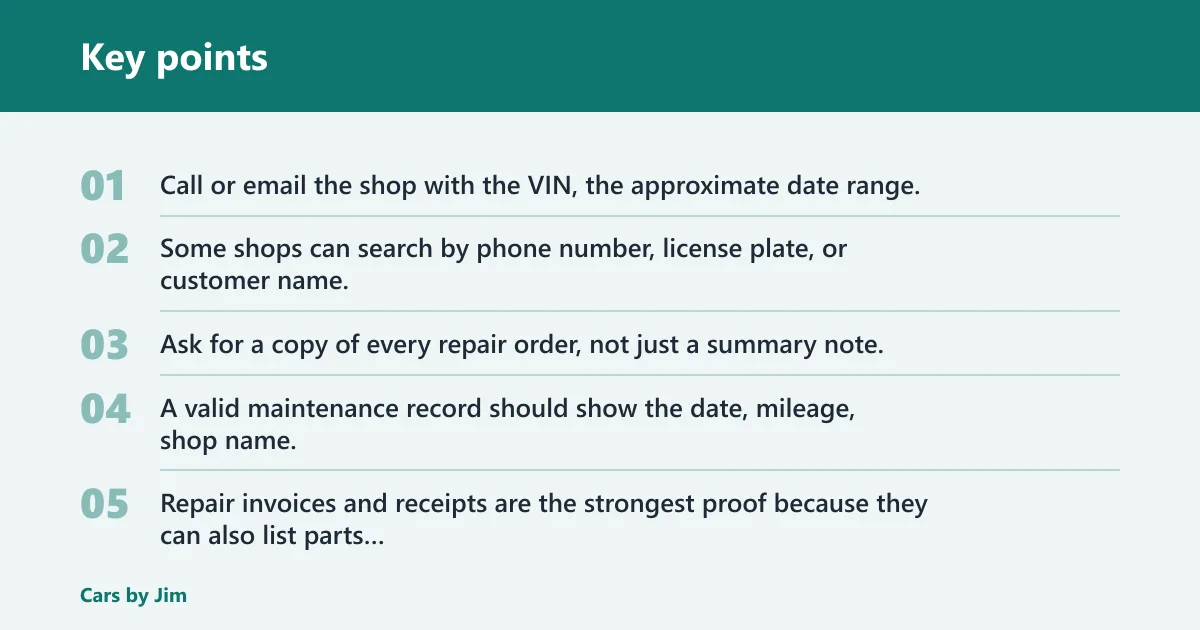
Call or email the shop with the VIN, the approximate date range, and the name on the repair order if you know it. Some shops can search by phone number, license plate, or customer name, but VIN is the cleanest starting point. Ask for a copy of every repair order, not just a summary note.
What details make a record useful
A valid maintenance record should show the date, mileage, shop name, and the service performed. Repair invoices and receipts are the strongest proof because they can also list parts and labor. A vague note such as “service done” is less useful than a document that lists oil type, filter, brakes, or fluid service.
| Document type | Useful details it should show | How strong it is |
|---|---|---|
| Repair invoice | Date, mileage, parts, labor, shop name | Strong |
| Receipt | Date, amount, item purchased, shop name | Strong when tied to a service entry |
| Work order | Requested work, mileage, vehicle ID, job notes | Strong |
| Email confirmation | Appointment date, service type, sender name | Moderate |
| Vague service note | Only a general statement | Weak on its own |
How to handle paper-only or PDF records
Scan paper records as soon as you get them and save the PDF with the date and mileage in the file name. Keep the original paper copy in a labeled folder. If the shop can only provide a paper invoice, take a clear photo in good light, then store that image with the digital copy so the details are easier to read later.
Maintenance record recovery worksheet
Use this worksheet as a recovery tool, not a storage system. First, collect the record source. Then note what proof the source may ask for, and finally log any service you can confirm from dates, mileage, and documents. That keeps the history organized while you fill the gaps.
| Where to request records | Required proof | What to ask for |
|---|---|---|
| Dealer or manufacturer account | VIN, registration, ID, title | All service entries tied to the VIN |
| Independent shop | VIN, date range, proof of ownership if asked | Invoices, work orders, inspection sheets |
| Previous owner | VIN, purchase record, direct contact permission | Receipts, email threads, paper files |
| App account | Login access, VIN, email tied to the account | Service events, photos, attachments, reminders |
| Email archive | Email access, VIN, shop names, search terms | Invoices, estimates, appointment confirmations |
| Glovebox or paper file | Physical access to the vehicle records | Receipts, oil change stickers, repair orders |
| State DMV or registration file | ID, title, state forms | Registration records that support ownership and mileage clues |
- Write the VIN at the top of the page.
- List every source you can reach.
- Mark which source needs ownership proof.
- Request invoices, work orders, and account history.
- Log each confirmed service with date and mileage.
- Assign a confidence level to every entry.
| Date | Mileage | Service item | Source | Confidence level |
|---|---|---|---|---|
| 2024-03-12 | 48,210 | Oil and filter change | Dealer invoice | High |
| 2024-07-28 | 53,900 | Tire rotation | Email receipt | High |
| 2025-01-05 | 61,400 | Brake inspection | Previous owner note | Low |
| 2025-06-18 | 68,100 | Transmission fluid service | Shop PDF | Medium |
What if the previous owner has no records?
If the previous owner has no records, rebuild the timeline from mileage, dates, and the owner’s manual maintenance schedule. Start with the last known odometer reading, then compare that number with the service intervals the manufacturer lists for the specific vehicle. Mark uncertain items as unknown until you find proof.
Rebuild the timeline from mileage and dates
Look for oil change stickers, inspection slips, tire receipts, and registration renewals. Those often include mileage or at least date clues. A service interval can be estimated by the gaps between confirmed records, which helps you see whether a fluid change, filter replacement, or inspection is overdue.
Use the owner’s manual maintenance schedule
The same source says maintenance schedules are set for the specific vehicle, and service should follow the owner’s manual and maintenance schedule. Use that schedule as the yardstick for what should have happened versus what can be confirmed. If the interval calls for service by mileage or time, match both and choose the earlier one.
Mark unknown services with low confidence
Do not guess. If there is no invoice, receipt, or repair order, label the service as unverified. That keeps future work from being mistaken for confirmed history and makes it easier to update the log when a better source turns up.
A common first-timer mistake is treating a windshield oil-change sticker as full proof. It can support the timeline, but it does not show parts, labor, or whether other scheduled items were completed. Pair it with an invoice or email before you file it as confirmed.
Use a maintenance app, spreadsheet, or paper folder system, but pick one primary place and keep the same fields in each entry. A third-party maintenance app can store service events, support VIN scanning, and attach documents and images. If you prefer spreadsheets, mirror the same data columns so nothing gets lost.
Use a maintenance app or spreadsheet
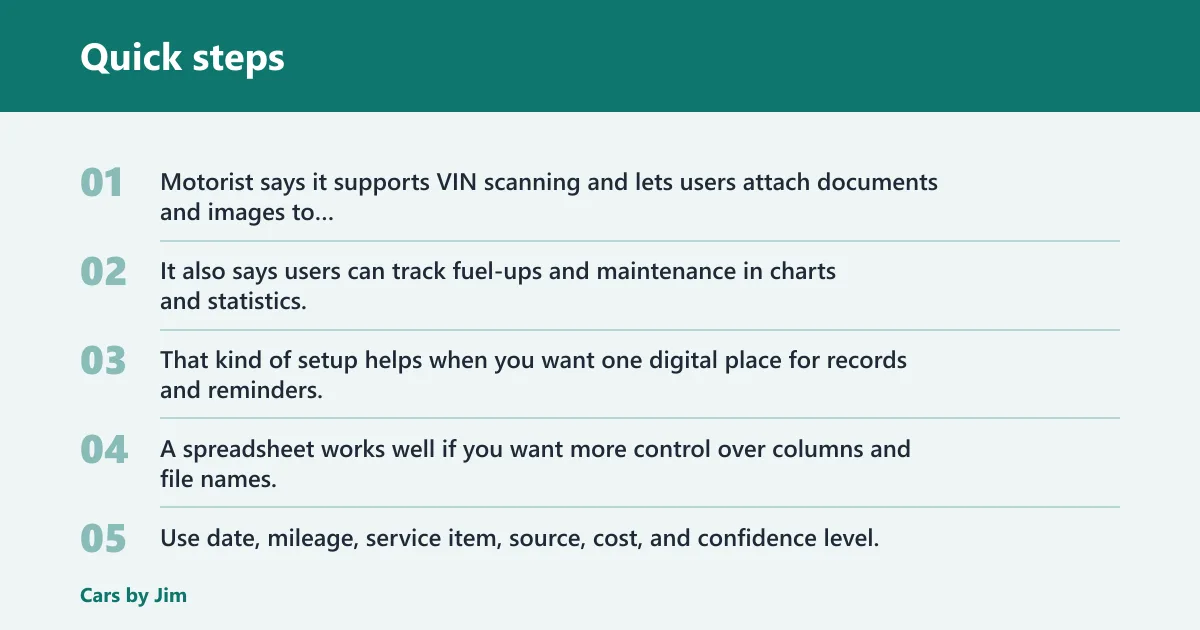
Motorist says it supports VIN scanning and lets users attach documents and images to maintenance events. It also says users can track fuel-ups and maintenance in charts and statistics, and that it can manage cars, SUVs, trucks, motorcycles, and buses. That kind of setup helps when you want one digital place for records and reminders.
A spreadsheet works well if you want more control over columns and file names. Use date, mileage, service item, source, cost, and confidence level. A paper folder is still useful for originals, but the digital copy should be the working version you search first.
Scan and label receipts and invoices
Name files in a way that makes them easy to sort: date, mileage, shop name, and service item. For example, “2025-06-18_68100_BrakeShop_brake-inspection.pdf” is easier to find than “receipt2.pdf.” Store a backup copy in cloud storage or on an external drive.
Set date- or mileage-based reminders
Maintenance reminders help prevent missed intervals and keep future history easier to track. Track Your Truck says alerts can be set after 5,000 miles and also after 250 engine hours, with GPS tracking used to monitor mileage and engine hours in real time. That same idea works for passenger vehicles, even if your reminder source is simpler.
Use date reminders for annual items and mileage reminders for services tied to driving distance. If your vehicle sits for long periods, a time-based reminder may matter more than mileage. If it racks up heavy use, mileage-based reminders can catch service sooner.
Frequently asked questions
How do I get service records for my car?
Start with the dealer or manufacturer account, then request invoices from independent shops, check email, and search glovebox paperwork. Bring the VIN, registration, and ID, because many sources will ask for proof of ownership before they release records. If the history is incomplete, rebuild it with dates, mileage, and receipts.
How do I find maintenance history on my car?
Search the VIN in the dealer portal, the brand app, and any vehicle history account tied to the car. Then compare those results with repair invoices, oil-change stickers, email receipts, and the owner’s manual schedule. The goal is to combine digital records with paper proof, not to rely on one source.
Can I find vehicle maintenance records by VIN?
Yes, the VIN is the key identifier for most record requests. The same source says it can be found on the doorjamb or windshield, and in the Ford app and Ford account. VIN-based searches can return dealer and account history, but they may miss independent shop work or older paper-only repairs.
Do dealership service records transfer to a new owner?
Often, the brand account can still show service tied to the VIN after ownership changes, but access may depend on the system and proof of ownership. Dealer history usually includes only work completed in that network. It does not automatically pull every outside repair from an independent shop.
What should I do if the previous owner has no records?
Rebuild the history from mileage, dates, and the owner’s manual maintenance schedule. Use oil-change stickers, registration dates, email receipts, and inspection slips to fill the timeline. Mark anything unverified as low confidence until you find an invoice, work order, or other solid proof.
How long should I keep car maintenance records?
Keep them for as long as you own the vehicle, and keep the major records after sale if you can. Receipts, invoices, and repair orders help with resale value, warranty support, and trust, so there is little reason to throw away the originals once they are scanned and backed up.